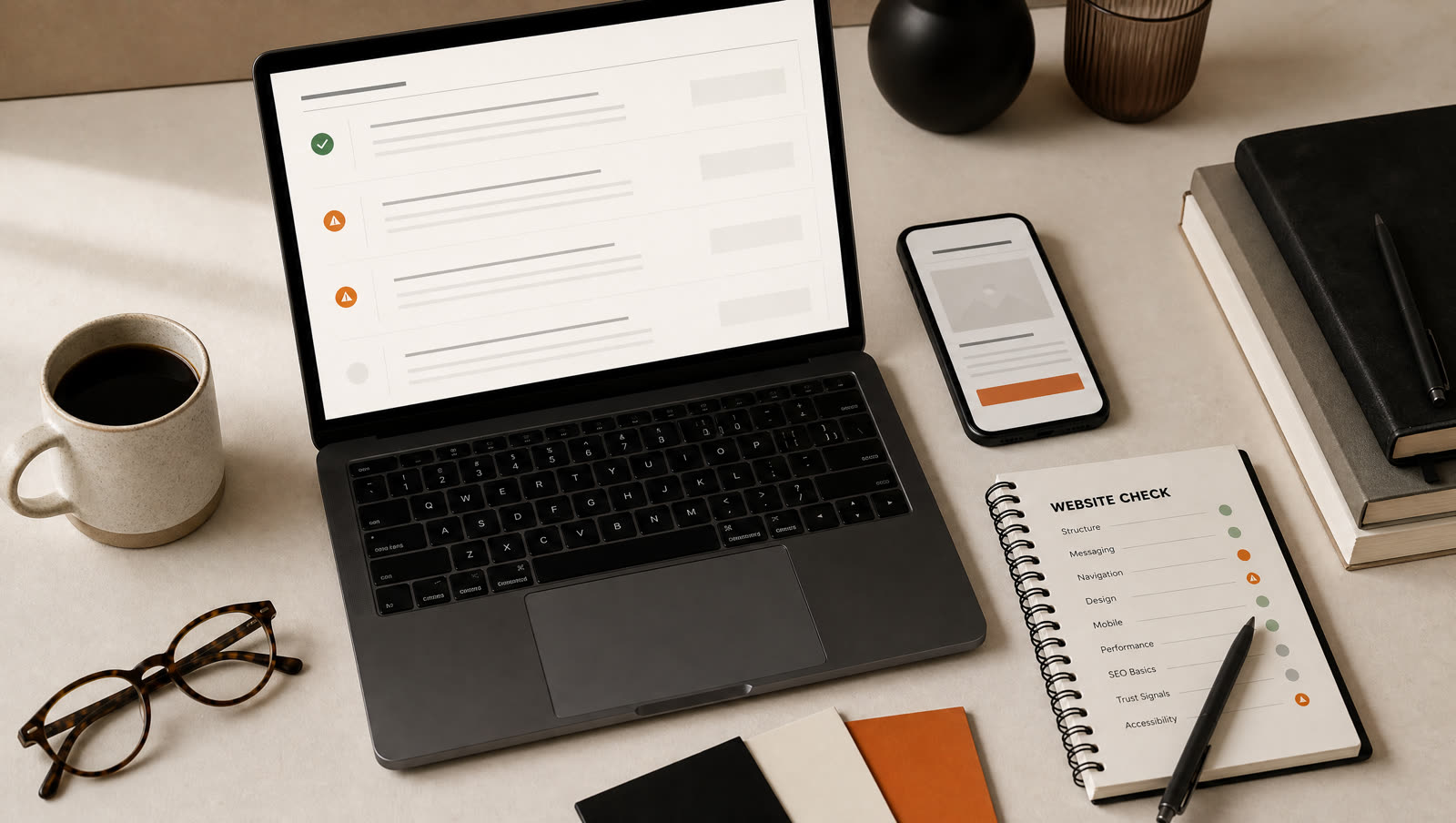
A free website check should answer one plain question: is your current site helping customers contact you, or quietly getting in the way? Before you spend money on a redesign, check clarity, mobile layout, speed, SEO basics, contact flow, trust signals, and ownership. Those seven areas catch most small-business website problems.
Why a website check comes before a redesign
Redesigning a website without checking it first is how small businesses waste money.
Sometimes the site does need rebuilding. Sometimes it just needs a clearer headline, a working form, compressed images, or a better link from the Google Business Profile. Those are different jobs with different prices.
That is why I built a free website check. It gives a small business owner a practical first read before they commit to a bigger project.
This is the same order I use when I review a site manually.
1. Can a stranger tell what you do?
Open the homepage and cover the logo.
Can you still tell:
- What the business does?
- Where it works?
- Who it is for?
- What the visitor should do next?
If the answer is no, the design is not the first problem. The message is.
A good small-business homepage should not make people decode anything. A plumber needs to look like a plumber. A restaurant needs the menu, hours, booking link, and location to be obvious. A consultant needs the service and audience visible in the first screen.
Pretty but vague is still vague.
2. Does the site work properly on a phone?
Do not check this on your laptop first.
Open the site on your phone and try to behave like a customer:
- Tap the phone number.
- Submit the form.
- Open the menu.
- Find the address.
- Read the service page.
- Check whether any text is too small.
- Check whether buttons are too close together.
If the site is awkward on mobile, that is not a minor issue. For local businesses, it is often the main issue.
Most people searching for a web designer in London, a café nearby, or an emergency electrician are not calmly browsing on a desktop. They are on a phone, impatient, and comparing options quickly.
3. Does the contact path actually work?
This sounds basic. It is also where a surprising number of sites fail.
Test:
- The contact form.
- The thank-you or success message.
- The email that arrives after submission.
- The phone number link.
- The booking link.
- The map link.
- Any WhatsApp or social link.
Then ask one harder question: is the contact option visible before someone scrolls?
If the visitor has to hunt for the enquiry button, the site is leaking leads.
4. Is the site fast enough?
You do not need to obsess over every Lighthouse score. You do need to know whether the site feels slow on a normal phone.
The usual causes are:
- Huge images.
- Heavy templates.
- Too many scripts.
- Auto-playing video.
- Sliders nobody uses.
- Fonts loaded badly.
Speed matters because impatience is real. It also affects search performance. A small local business does not need a technically perfect site, but it does need one that loads quickly enough for someone standing outside the shop or trying to book between meetings.
5. Can Google understand the pages?
A first-pass SEO check should cover the basics:
- Does each page have a clear title?
- Is there a useful meta description?
- Is there one sensible H1?
- Does the page mention the service and location?
- Is the sitemap live?
- Is the site indexed?
- Is Google Search Console connected?
- Is there schema for the business, service, article, or FAQ where relevant?
This is not advanced SEO. It is the foundation.
If you run a local business, the site should also connect cleanly to your Google Business Profile. Name, address, phone, opening hours, and service area should match.
6. Does the site create trust quickly?
Trust does not always mean testimonials. CraftedPages is still new, so I am careful with proof claims on my own site. The same principle applies to small businesses.
Use the proof you honestly have:
- Real photos.
- Clear pricing or starting prices.
- Accreditations.
- Opening hours.
- Location.
- Named person behind the business.
- Clear process.
- Public registers where relevant.
- Google Business Profile link.
Do not fake social proof. A small, honest proof point beats a made-up claim.
7. Do you own the important parts?
This one matters before any rebuild.
Find out who controls:
- The domain.
- The hosting account.
- The website files.
- The email account.
- The Google Business Profile.
- The analytics account.
- The Search Console property.
If your old designer, agency, or cousin controls everything, fix ownership before starting a redesign. Otherwise the new project can get stuck before it begins.
Website check scorecard
Use this quick scorecard.
| Area | Good | Warning sign |
|---|---|---|
| Clarity | Offer is obvious in five seconds | Homepage opens with vague copy |
| Mobile | Buttons, text, and forms work | Layout breaks or text is tiny |
| Contact | Phone/form visible and tested | Contact path hidden or broken |
| Speed | Feels quick on mobile | Images or scripts slow it down |
| SEO | Titles, headings, sitemap, indexing set | Pages have generic titles |
| Trust | Honest proof is visible | Claims are vague or unsupported |
| Ownership | You control core accounts | Someone else controls access |
If two or more areas are weak, the site deserves attention.
If four or more are weak, a rebuild is probably cleaner than patching.
What I include in a free website check
When someone sends me a site through the free check page, I look at:
- First-screen clarity.
- Mobile layout.
- Contact path.
- Page speed basics.
- Metadata.
- Local SEO basics.
- Trust signals.
- Obvious conversion blockers.
- Whether a Starter, Business, or Growth build would fit if they wanted help.
I do not pretend a quick check is a full technical audit. It is a decision tool. It tells you whether the next move should be a small fix, a clearer homepage, or a new fixed-price build.
When a free check is enough
Sometimes the answer is simple.
Your contact form is broken. Your homepage does not say the city. Your images are too large. Your Google Business Profile points to the wrong URL. Your title tag just says "Home".
Those do not always need a new site.
When a rebuild makes more sense
A rebuild is more likely if:
- The site is hard to edit.
- The design is dated and hurting trust.
- The mobile version is poor.
- Every page needs rewriting.
- The site is locked into a platform you want to leave.
- The structure is wrong for local SEO.
- The business has changed since the site was built.
In that case, patching can become slower than starting again.
If the question is specifically whether an old site needs replacing, read the old website redesign guide. It separates patch jobs from proper rebuilds.
My Starter plan starts at £250 for a focused small-business site. Business is £400. Growth is £1,000. If the check says you only need one small fix, I will say that instead.
FAQ
What is a free website check?
A free website check is a short review of the things most likely to cost a small business enquiries: clarity, mobile layout, speed, SEO basics, contact flow, trust signals, and ownership risks.
Do I need a full SEO audit?
Not always. A small business usually needs the obvious blockers checked first. If the site is slow, unclear, hard to contact, or missing basic metadata, fix those before paying for a deep SEO audit.
How long should a website check take?
A useful first pass can be done in 10 to 20 minutes. A deeper check takes longer, but the first pass usually finds enough to decide whether the site needs small fixes or a proper rebuild.
What should I check before redesigning my website?
Check whether the homepage says what you do, the phone or form works on mobile, the site loads quickly, the pages have sensible titles, and the customer can trust you within the first screen.
Will a free website check tell me if I need a new site?
It should. Sometimes the answer is a rebuild. Sometimes the answer is better copy, a clearer contact button, or fixing the Google Business Profile link.